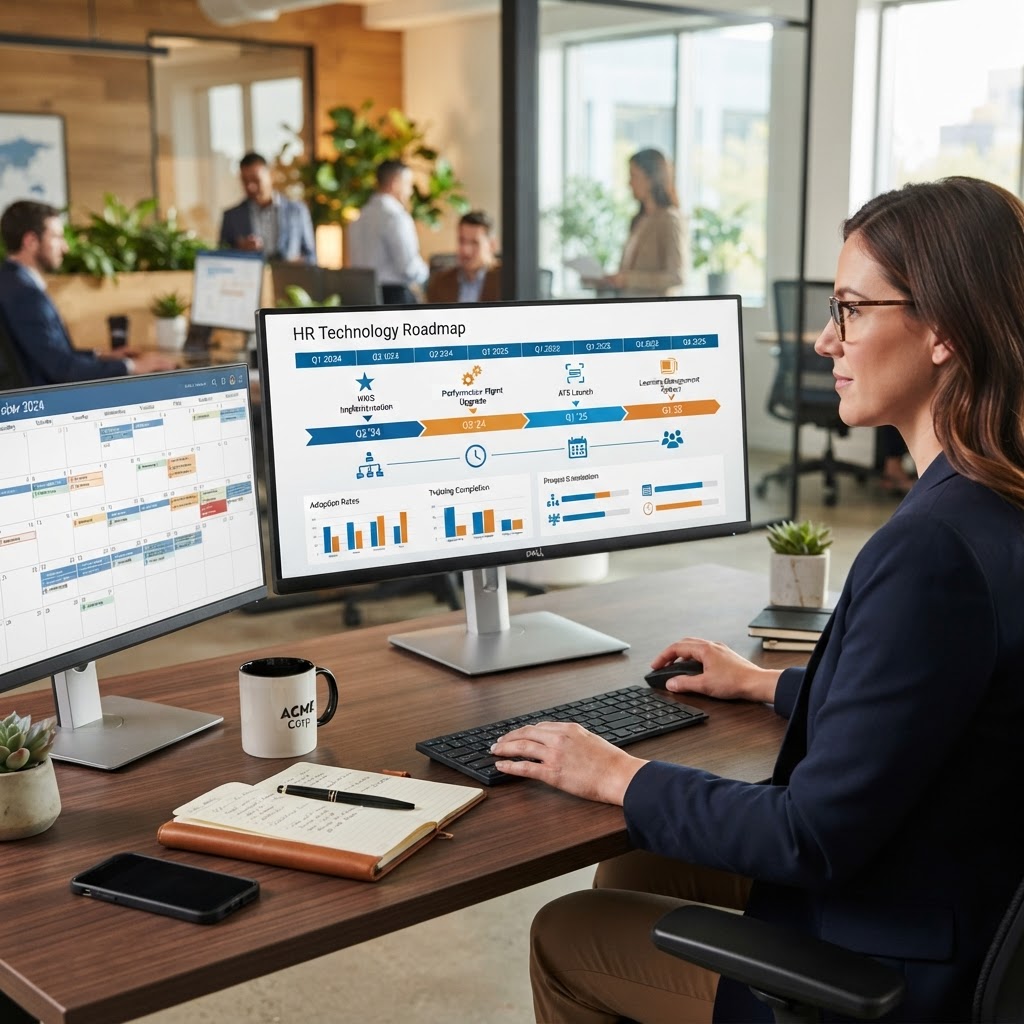
Organizations often begin the new year with incomplete workforce data, unresolved integration issues, and competing technology priorities. A structured HR technology roadmap creates a controlled path from year-end findings to funded initiatives.
Organizations often begin the new year with incomplete workforce data, unresolved integration issues, and competing technology priorities. A structured HR technology roadmap creates a controlled path from year-end findings to funded initiatives.
UKG and Workday can support different parts of the HR technology ecosystem. Workday HCM commonly supports core human resources, organizational data, talent, compensation, and workforce planning. UKG commonly supports workforce management, timekeeping, scheduling, payroll, and labor operations.
The correct system design depends on the organization's operating model. The roadmap should define ownership, data flows, controls, and expected business outcomes before new functionality is deployed.
1. Start With a Current-State Assessment
A roadmap should begin with documented evidence. Do not start with a list of software features.
Review core HR and worker data, payroll and timekeeping, benefits and absence management, recruiting and onboarding, workforce scheduling, reporting and analytics, integrations, security roles, employee and manager self-service, support processes, and vendor contracts and licensing.
Document each system in use. Record the business process it supports. Identify the owner, users, data inputs, outputs, integrations, and known issues.
The assessment should also classify each process as stable, manual, inconsistent, high risk, candidate for automation, or dependent on another system. This classification provides the baseline for roadmap prioritization.
2. Convert Year-End Findings Into Priorities
Year-end activities produce useful operational evidence. Payroll corrections, timecard exceptions, benefit enrollment issues, audit requests, and employee support tickets should be reviewed before the new-year roadmap is approved.
Common findings include duplicate or incomplete employee records, inconsistent job and department codes, manual payroll adjustments, unresolved timekeeping exceptions, delayed manager approvals, reports that require spreadsheet consolidation, inactive security access, integration failures without clear alerts, outdated process documentation, and employee questions that could be answered through self-service.
Each finding should be assigned a risk level and business owner. Separate mandatory work from discretionary improvement.
Mandatory priorities protect operational continuity and compliance: payroll stability, security access reviews, tax and regulatory readiness, data retention controls, critical integration remediation, audit response, and vendor and licensing renewals.
Improvement priorities improve efficiency and user experience: workflow automation, new dashboards, self-service enhancements, process redesign, knowledge management, and advanced workforce analytics.
This separation helps executives understand which investments are required and which can be sequenced.
3. Define the Role of UKG and Workday
A UKG and Workday environment requires clear system ownership. The roadmap should define which platform owns each data domain.
| Data or Process Domain | Potential System Owner |
|---|---|
| Worker profile and organizational structure | Workday HCM |
| Job, position, and supervisory organization data | Workday HCM |
| Time and attendance | UKG |
| Scheduling and labor rules | UKG |
| Payroll processing | UKG or Workday, based on deployment |
| Workforce planning | Workday |
| Labor cost and operational reporting | Shared model |
| Employee documents and service workflows | UKG or Workday, based on configuration |
This is not a universal architecture. It is a decision framework.
The roadmap should identify the source of truth for each field. Examples include employee ID, job code, department, location, pay group, cost center, supervisor, pay rate, and work assignment.
Without field ownership, integrations can create conflicting records.
4. Stabilize Integrations and Data Quality
Integration work should be treated as a business control, not only a technical project.
Review every connection between UKG, Workday, payroll, finance, benefits, identity management, and downstream reporting platforms.
For each integration, document source system, target system, data fields, transfer frequency, error handling, reconciliation method, support owner, security method, recovery process, and change and testing requirements.
The first priority should be standardizing identifiers and field mappings. The second should be validating the data before and after transmission.
A practical integration roadmap may include standardizing employee and organizational identifiers, removing unused fields, establishing data validation rules, creating integration failure alerts, documenting retry and recovery procedures, adding reconciliation reports, testing termination, transfer, promotion, and pay change events, and aligning integration changes with release calendars.
BTG supports system optimization, testing, documentation, and production support for enterprise applications. These services can help organizations convert undocumented interfaces into managed operating processes.
5. Review Security and Access Governance
HR systems contain sensitive personal, payroll, benefits, and organizational data. Security should be reviewed before new-year configuration changes are approved.
The review should cover role assignments, segregation of duties, privileged access, terminated-user access, contractor access, integration accounts, service accounts, approval permissions, payroll access, reporting access, and audit logs.
Conduct a formal access recertification. Require business owners to confirm that users still need their assigned roles.
The roadmap should also define how security changes are tested. A role change can affect workflows, reports, integrations, and approvals. Testing should include representative HR, payroll, finance, manager, and employee scenarios.
Security governance should include quarterly access reviews, documented approval rules, integration credential management, change records, audit evidence, incident escalation procedures, and data retention and deletion standards.
6. Build a Shared Reporting Model
HR, finance, payroll, and operations often use different reports for the same workforce question. This creates conflicting results.
Start by defining the metrics that executives need to review throughout the year: headcount, turnover, absence, overtime, labor cost, schedule adherence, payroll corrections, timecard exceptions, open positions, time to hire, workforce distribution, and cost by department and location.
Then define the calculation for each metric. Specify the source data, reporting period, filters, and responsible owner.
Workday HCM information can support workforce and organizational reporting. UKG workforce data can provide operational information related to time, attendance, scheduling, and labor activity. The roadmap should specify how these data sets will be reconciled.
Begin with a small number of trusted reports. Expand only after data definitions and quality controls are stable.
7. Prioritize Automation by Business Value
Automation should target repeatable processes with measurable errors, delays, or manual effort.
Potential candidates include new-hire data transfer, employee status changes, manager approvals, onboarding tasks, document collection, payroll exception review, timecard reminders, leave and absence workflows, employee data updates, compliance acknowledgments, and reporting distribution.
For each automation candidate, document the current process, manual steps, systems involved, decision rules, exception conditions, control requirements, expected time savings, owner, and success measure.
Do not automate an unstable process. Redesign the process first. Then configure and test the workflow.
BTG's Management Consulting practice supports process mapping, workflow redesign, change management, governance, and technology roadmap development.
8. Align the Roadmap With the Budget
Every roadmap initiative should have an estimated cost and expected outcome.
Budget planning should include software licensing, configuration, integration development, data cleanup, testing, training, change management, documentation, ongoing support, security review, and contingency.
Classify each initiative as run, improve, or transform. Run protects current operations. Improve increases efficiency or control. Transform changes the operating model.
Business cases should use measurable indicators. Examples include reduced payroll corrections, fewer manual entries, lower support volume, shorter onboarding time, improved report delivery, and faster audit response.
Avoid funding technology without funding adoption. Training, process documentation, testing, and support are part of the implementation cost.
9. Establish Governance
A roadmap requires a decision structure.
Create a cross-functional governance group with representatives from human resources, payroll, finance, information technology, security, operations, legal or compliance, and business leadership.
The group should approve priorities, resolve ownership questions, review risks, and track benefits.
Use a quarterly governance cycle: review roadmap progress, review integration failures, review security findings, review report accuracy, review automation adoption, review budget performance, and reprioritize the backlog.
Maintain a single roadmap backlog. Record the request, owner, business impact, dependencies, estimated effort, risk, and target release.
10. Example 12-Month UKG and Workday Roadmap
Months 1-3: Assess and stabilize. Complete the current-state assessment. Confirm system ownership. Review year-end findings. Perform security access recertification. Inventory integrations. Standardize key data mappings. Define executive workforce metrics. Select initial automation candidates.
Months 4-6: Build controls and reporting. Remediate critical integration issues. Implement data validation and reconciliation. Create baseline workforce and labor cost reports. Update process documentation. Design onboarding and employee-change workflows. Establish release and testing procedures.
Months 7-9: Expand automation and analytics. Deploy approved workflow automations. Improve employee and manager self-service. Add operational labor analytics. Monitor integration performance. Review overtime, absence, and payroll correction trends. Measure adoption and process cycle time.
Months 10-12: Review value and plan the next cycle. Complete an annual security and compliance review. Compare results against the approved business case. Review licensing and support needs. Retire unused reports and integrations. Update the technology backlog. Prepare the next-year budget. Approve the following 12-month roadmap.
Conclusion
A new-year HR technology roadmap should connect year-end findings to specific actions. It should define system ownership, stabilize data flows, protect sensitive information, improve reporting, automate controlled processes, and align investments with measurable outcomes.
UKG and Workday can support a strong HR technology operating model when their roles are clearly defined and their integrations are actively governed.
BTG helps organizations assess, implement, optimize, test, document, and support enterprise HR technology.
Sources
- UKG
- Workday Human Capital Management
- BTG Management Consulting
- BTG IT Managed Services